Understanding "Unchecked" & "N/A" Status Labels
Throughout artist.tools, you'll see various status labels on metrics like followers, popularity scores, streams, and other data fields. These labels indicate the current state of the data and whether it's ready to view.
Data Status Labels
"Unchecked"
This label appears when an entity (artist, playlist, track, curator, or keyword) was added to our system automatically or indirectly—not through a direct user request—and some resource-intensive metrics haven't been calculated yet.
How to resolve:
Look up the item manually on artist.tools by pasting its URL into the search or Bot Checker
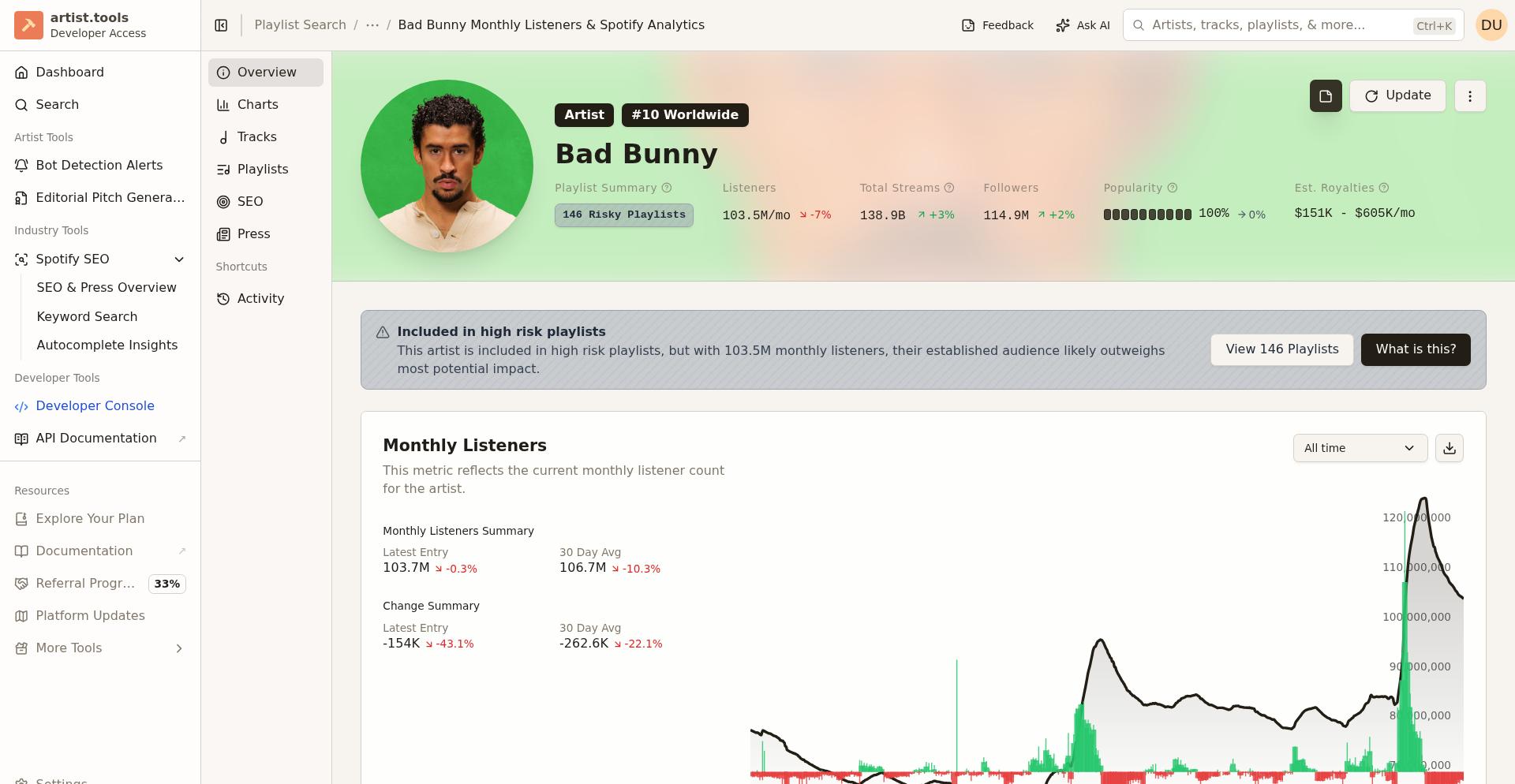
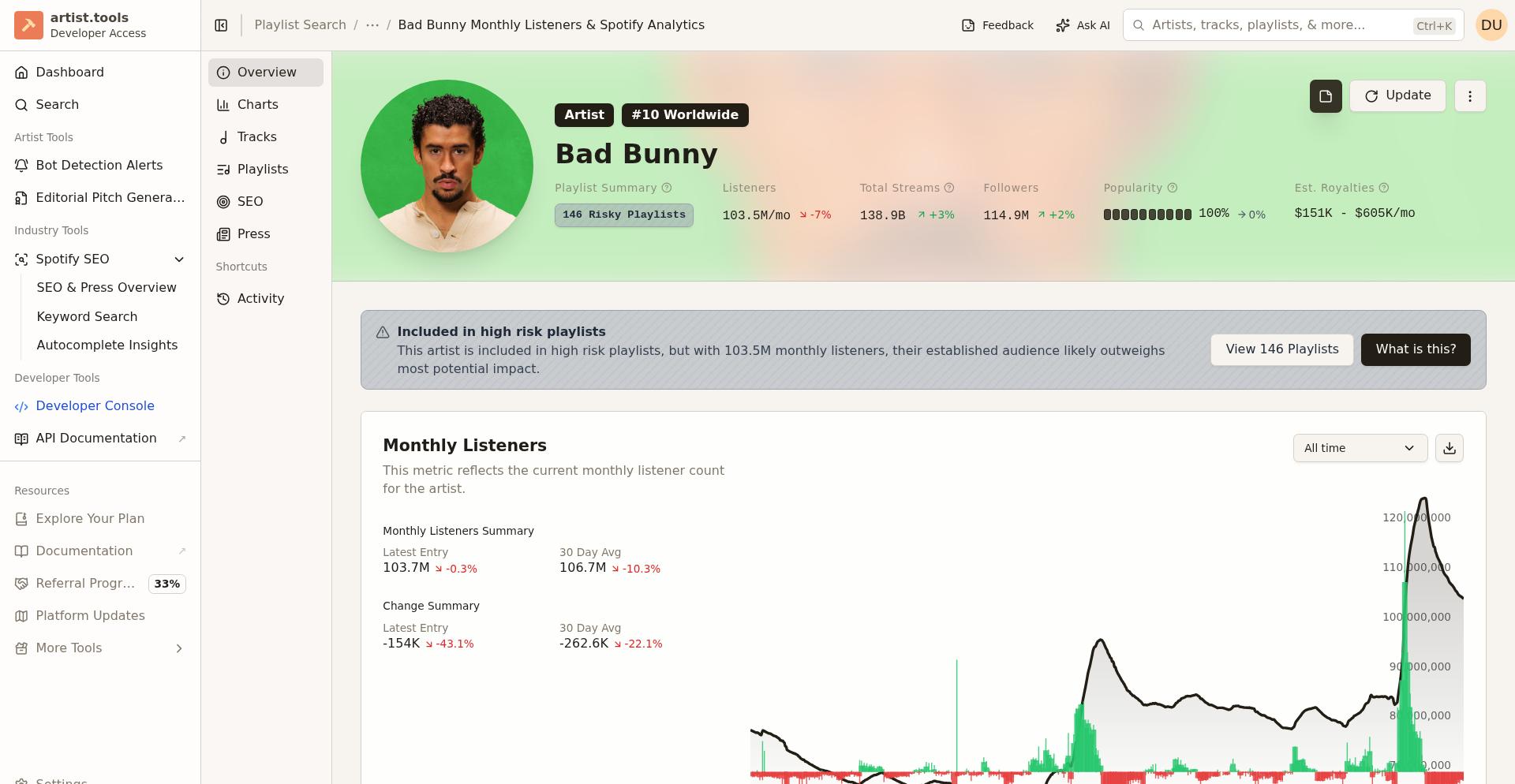
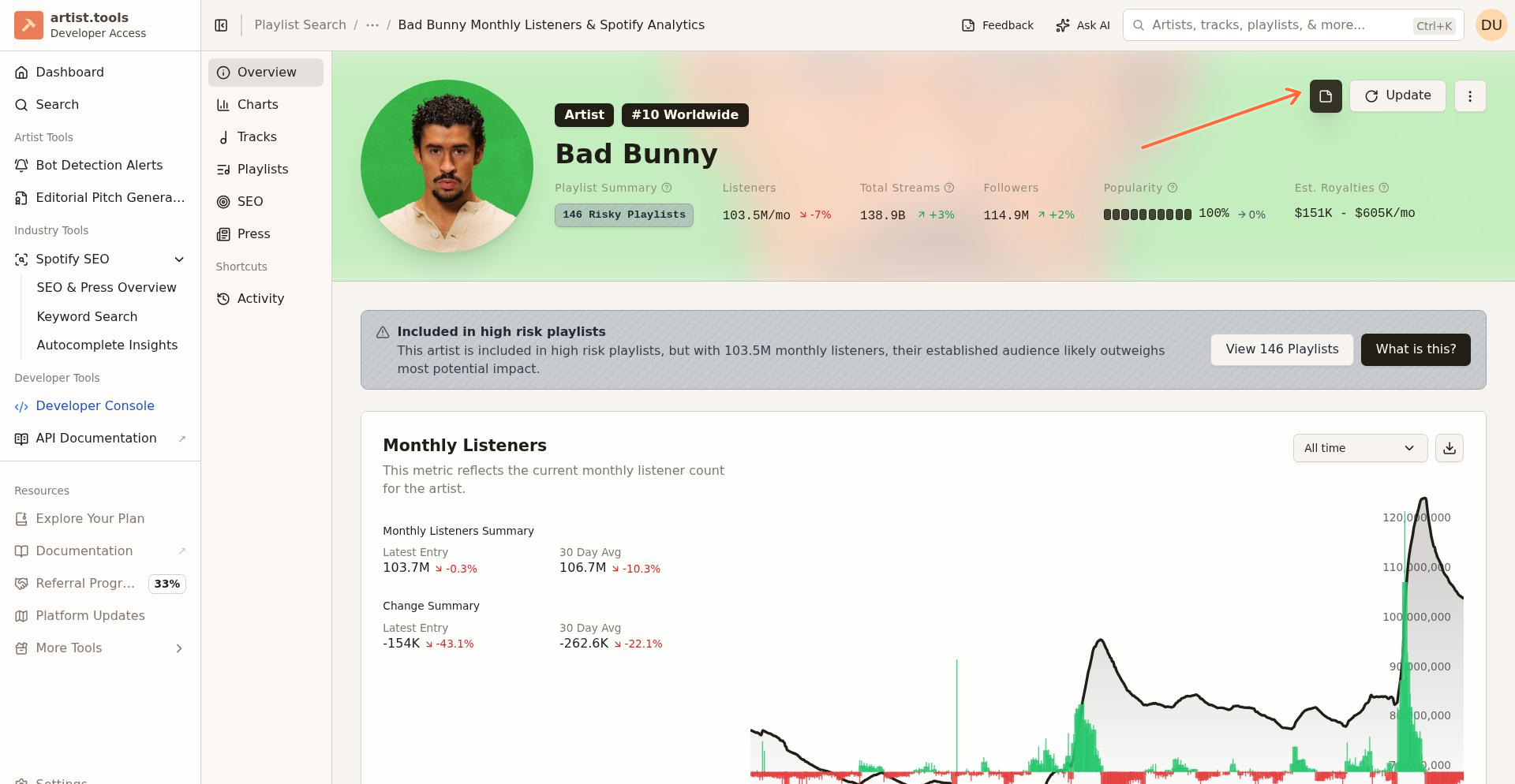
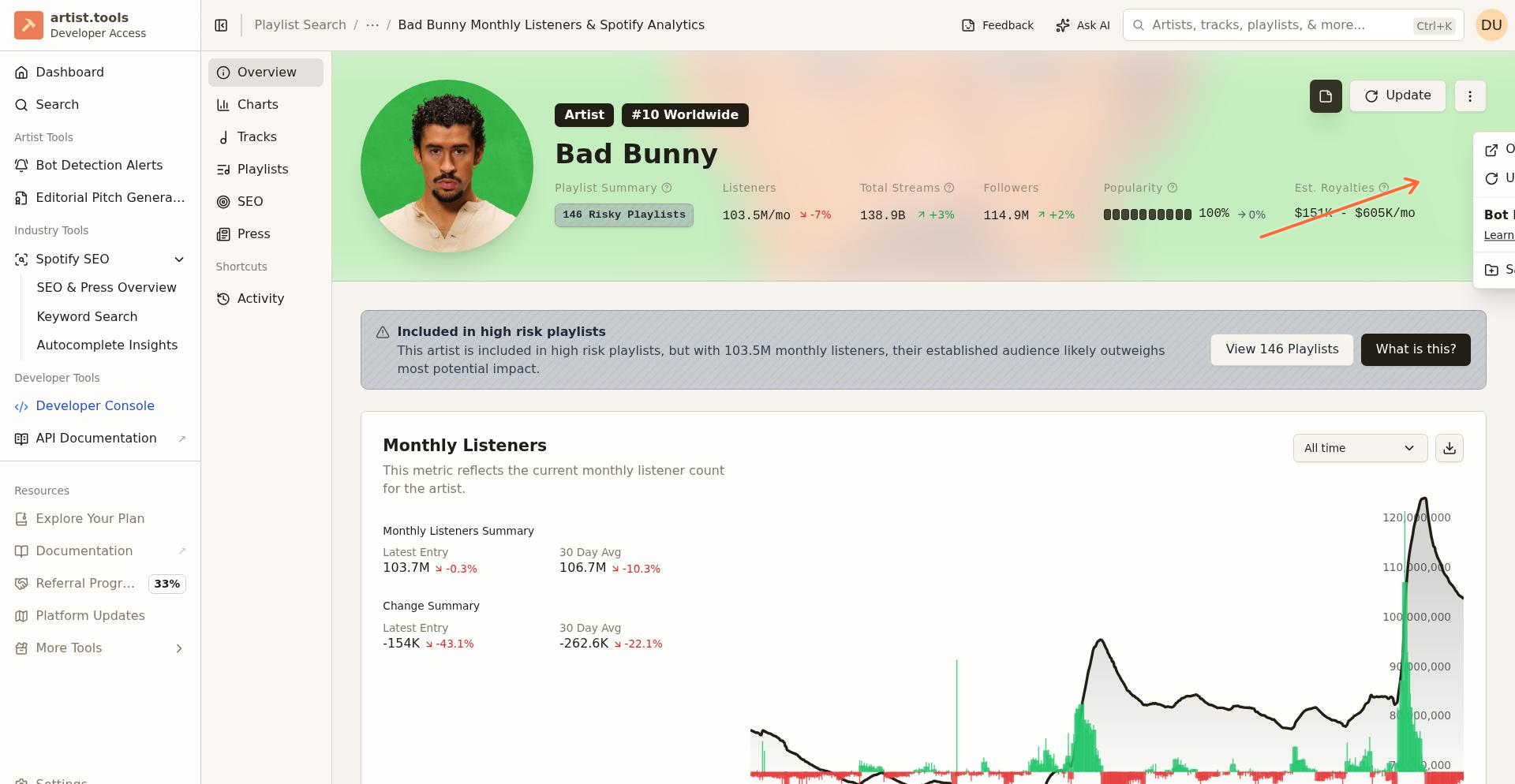
Click the Update button in the top-right corner or under the […] actions menu on the entity page
Wait a few moments for the data to refresh
If "unchecked" persists after updating, the data may not be available for this entity from Spotify's API.
"Queued"
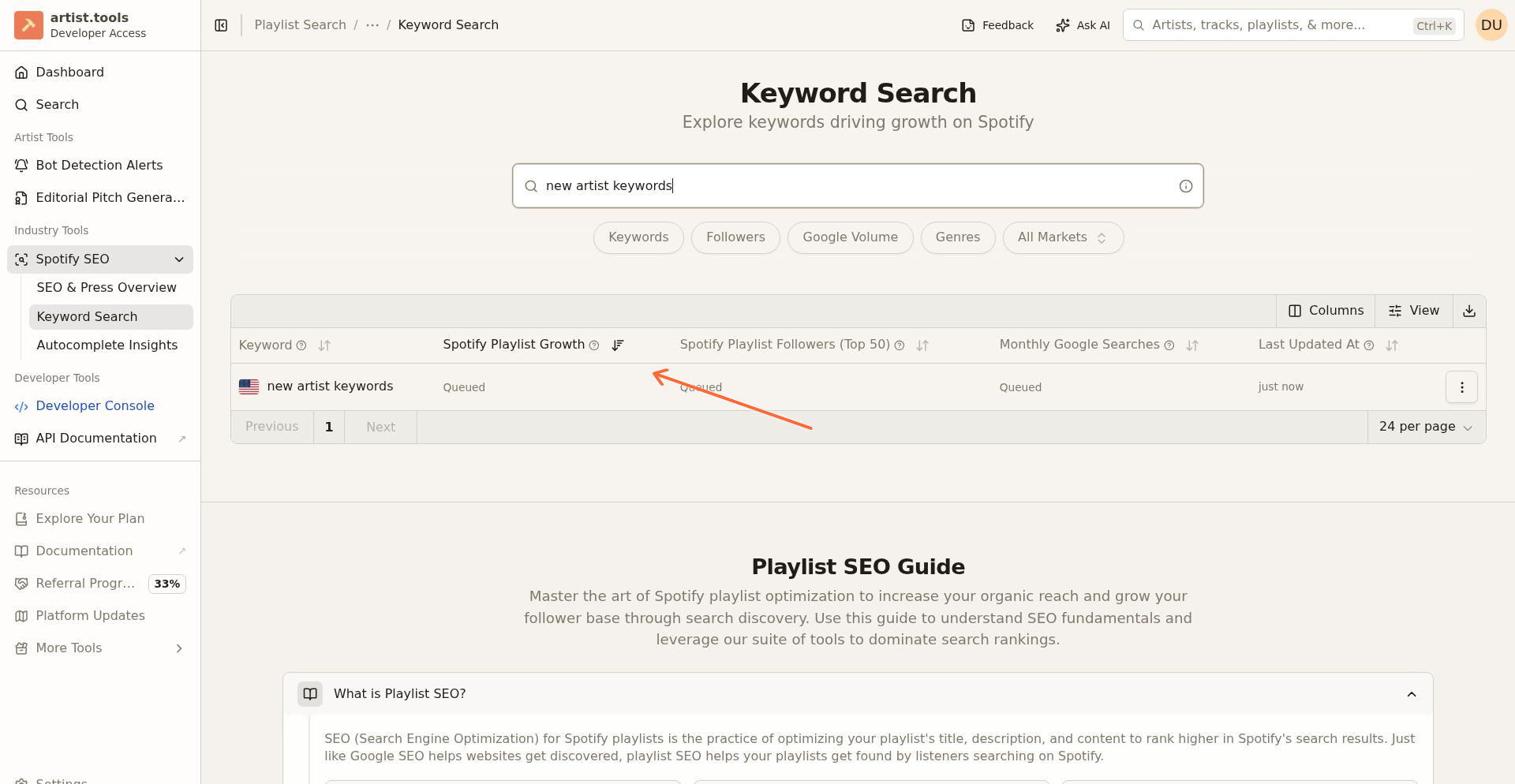
Some metrics, particularly on keyword pages, display a "Queued" badge when data is being fetched from external APIs.
What this means:
The data is currently being retrieved
It will typically be available within 24 hours
Admin users can click the Update button to force a refresh
"N/A" or Blank Fields
When metrics show "N/A" or remain blank, it usually indicates one of these situations:
Insufficient data: The entity is too new or inactive for Spotify to provide this metric (e.g., playlists need 7+ days of data for listener estimates)
API sync delay: Temporary delays in syncing data from downstream providers
API outage: Downstream providers may be temporarily unavailable for this specific metric
Data not available: This metric is not available on this specific entity type.
For new playlists or tracks, metrics like listener estimates require at least 7 days of historical data. Check back after a week.
Common Metrics and Their Status
Popularity Score
A 0-100 score from Spotify reflecting recent listening activity. May show N/A during:
Downstream provider outages
Very new or inactive profiles
Real-time data fetch failures
Try clicking Update on the entity page to refresh. If it persists, the data may become available later.
Followers
Tracked over time in charts and dashboards. May show unchecked or N/A if:
The entity was just added to our system
Sync delays after initial ingestion
Use the Update button to trigger a fresh data pull.
Streams / Monthly Listeners
For artists, shown in the Charts tab. For playlists, displayed as estimated listeners based on 14-day follower growth. May show unchecked or zero if:
Less than 7 days of data available
Stagnant growth (no new followers)
Entity not yet analyzed
Troubleshooting Data Issues
If "unchecked" won't go away
Confirm you're viewing the correct entity URL
Try the Update button multiple times with 1-2 minutes between attempts
Check back in 24 hours—some metrics require overnight processing
If still showing, the data likely isn't available from Spotify for this entity
If metrics suddenly show N/A
Check if Spotify is experiencing an outage (search "Spotify API status" or check Twitter)
Wait 30-60 minutes and refresh the page
Contact support if the issue persists beyond 24 hours
If data seems outdated
Most metrics refresh every 10-24 hours automatically
Use the Update button to force a refresh for specific entities
Check the "Last Updated" timestamp on the entity page
The Update button is your best tool for resolving most data status issues. It forces a fresh pull and recalculates metrics.
When to Contact Support
Reach out if:
Metrics show "unchecked" for more than 48 hours after multiple Update attempts
Critical metrics (followers, popularity) are consistently N/A or unchecked across multiple entities
You see error messages when trying to update data
Include the entity URL, which metric is affected, and screenshots when contacting support.